 LunaSim
Design and Run All-Powerful Simulations
What is LunaSim?
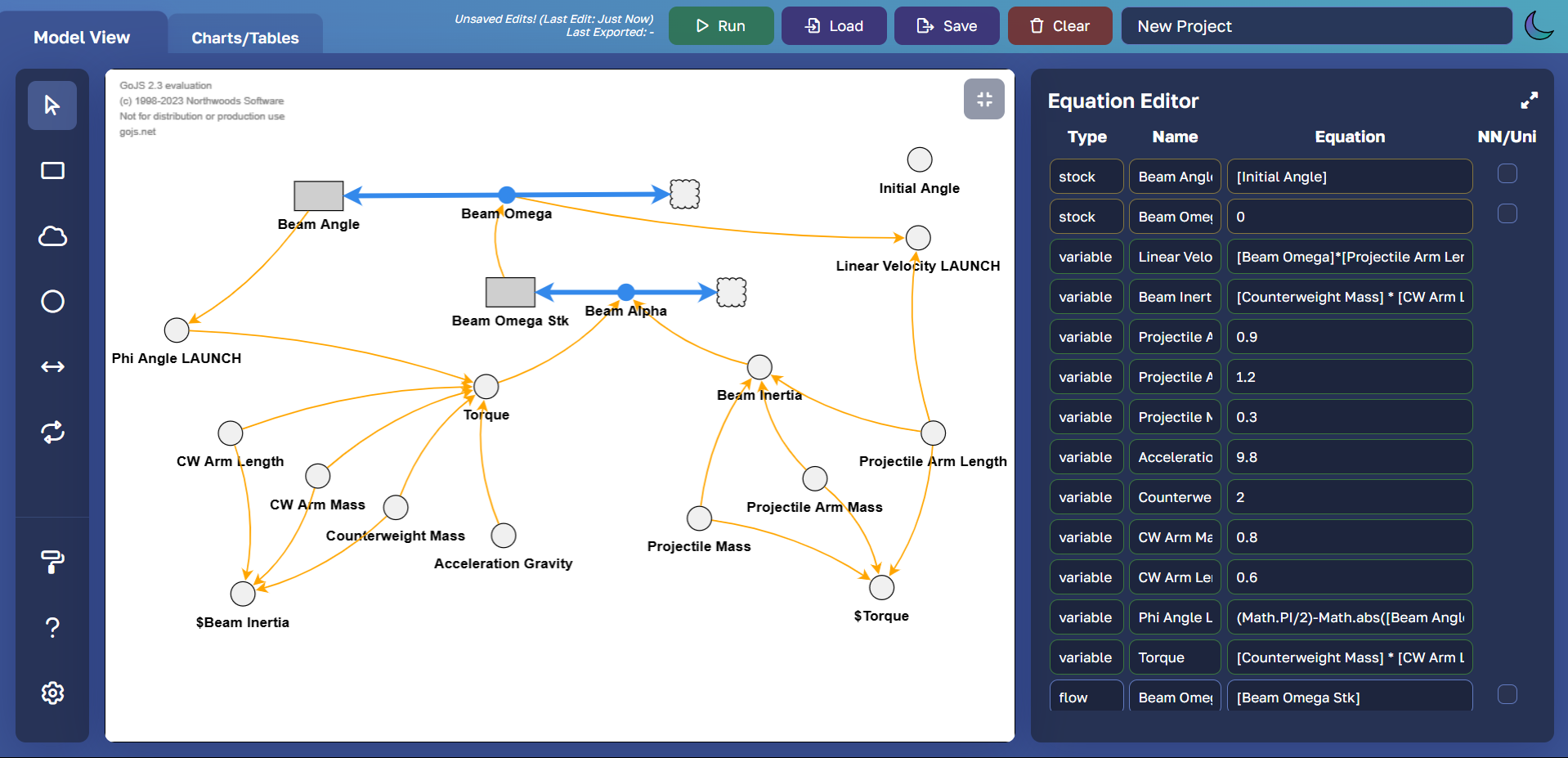
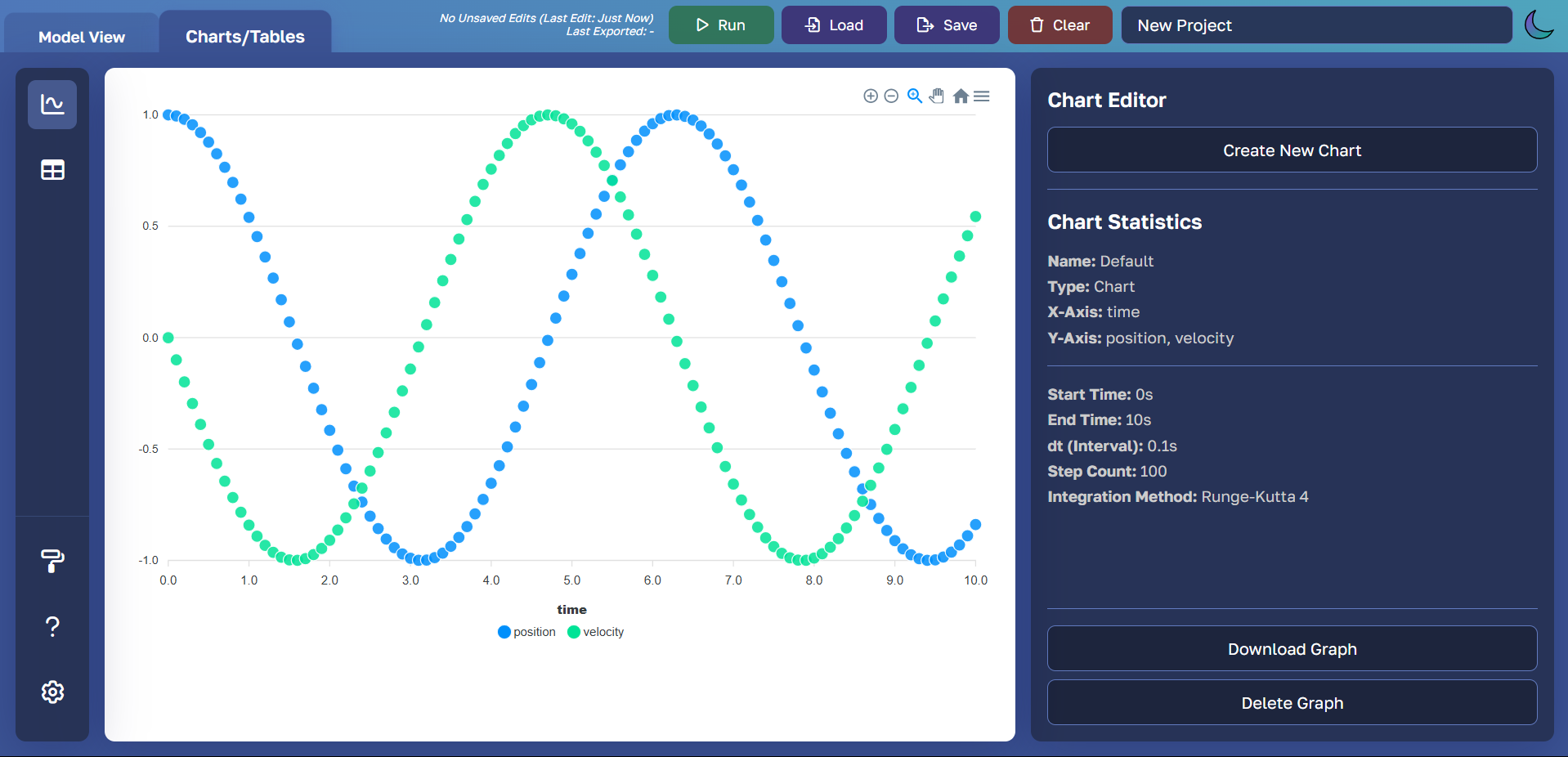
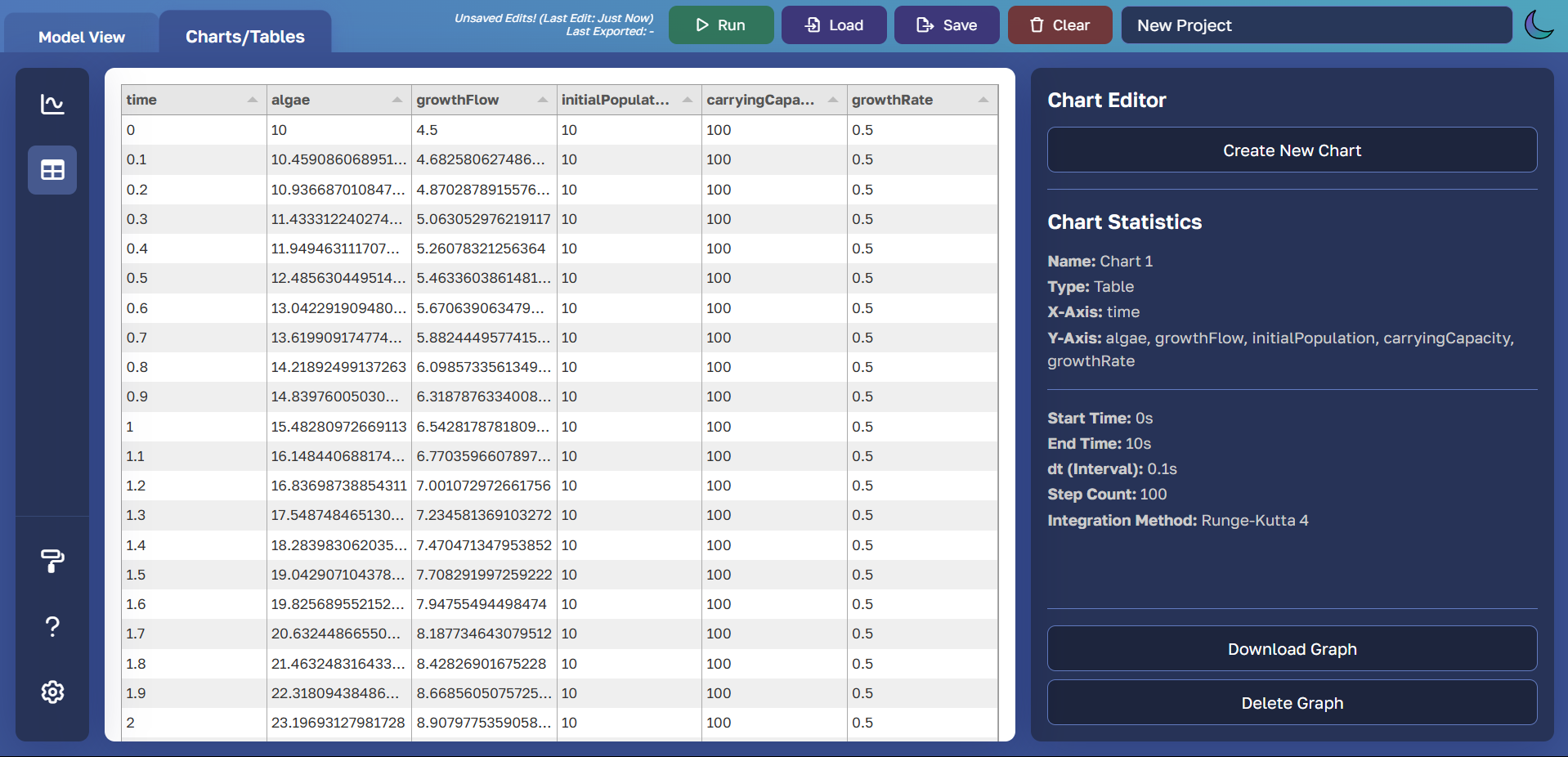
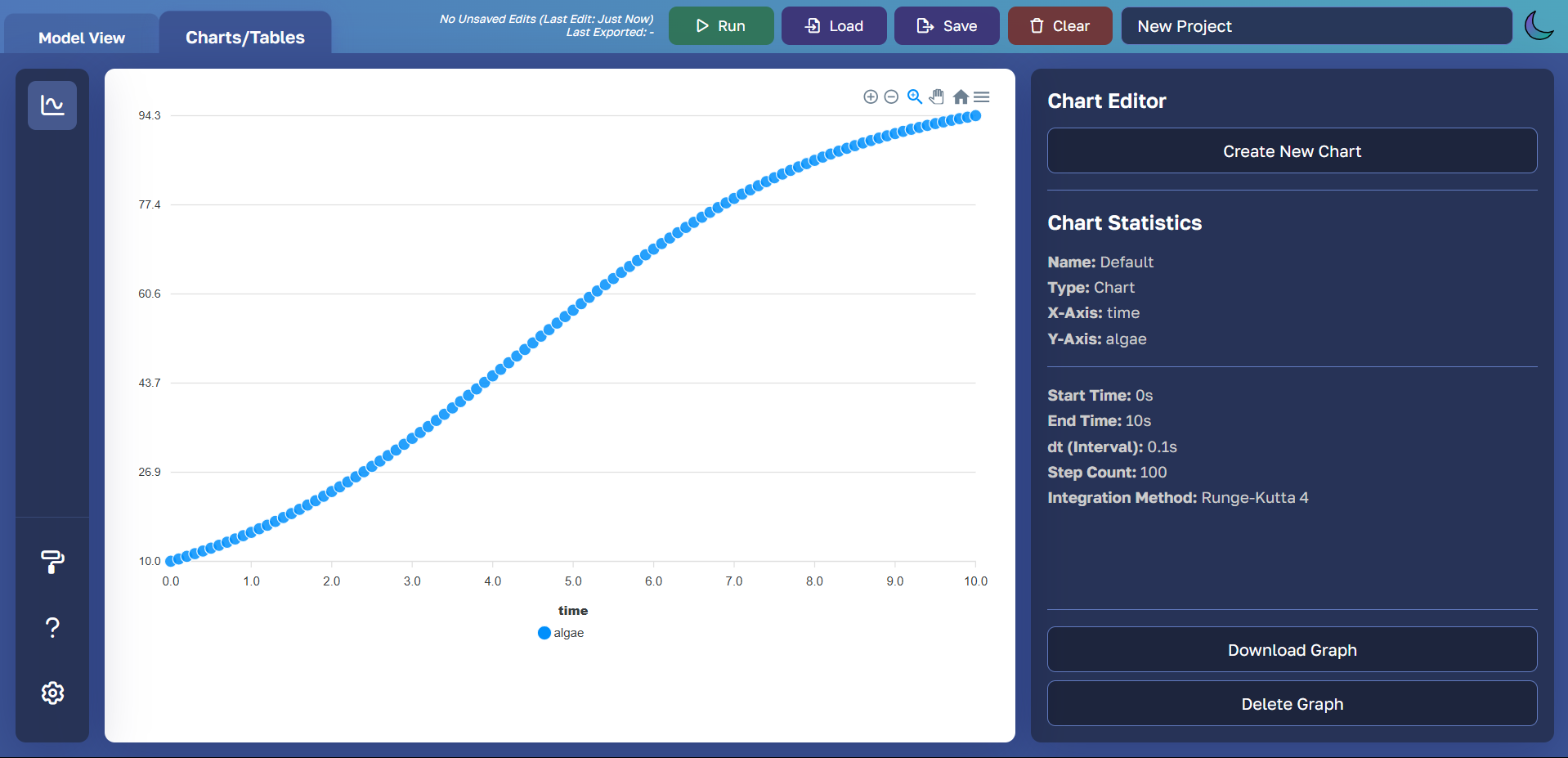
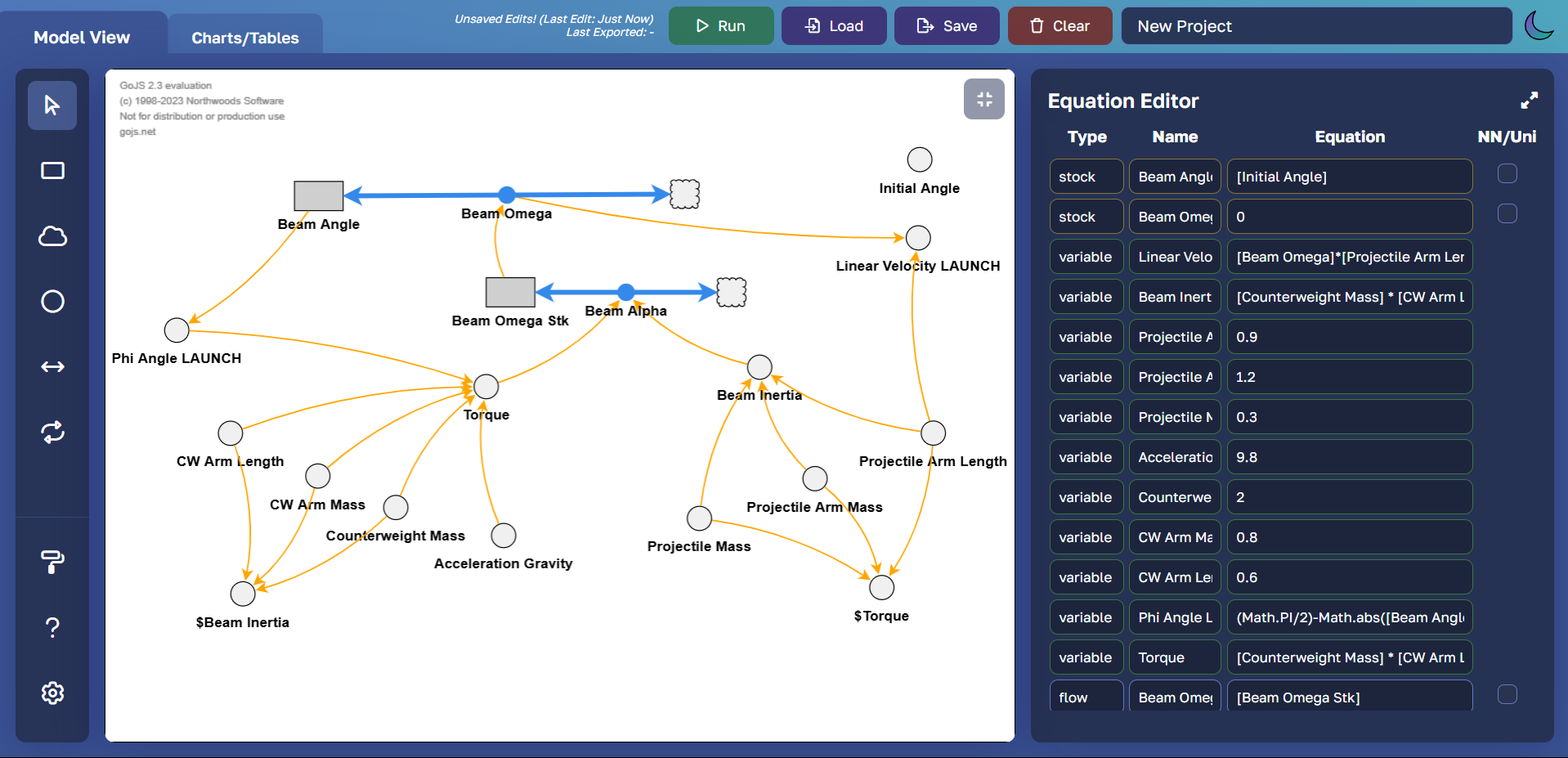
LunaSim is a free, open-source, browser-based system dynamics modeling software designed to make complex simulations accessible to students and educators. Built to replace expensive commercial alternatives, LunaSim enables users to create interactive models of real-world systems through an intuitive drag-and-drop interface. With features like stock-and-flow diagrams, custom equations/referencing, multiple integration methods, and comprehensive visualization tools, LunaSim has revolutionized how system dynamics is taught in classrooms worldwide.
Important Features
-
account_treeReservoirs
Stocks, conveyors, microwaves, and queues
-
swap_horizLinks
Flows, influences, and overflows
-
functionsEquations
Arithmetic, trigonometry, and Java Math
-
linkReferences
Node/link references and time references
-
integration_instructionsIntegration Methods
Euler's method and Runge-Kutta 4
-
query_statsVisuals
Charts and tables
-
paletteCustomization
Themes, fonts, and keybinds
-
casinoUncertainty Analysis
Monte Carlo simulation support
-
cloud_syncLive APIs
Stock market, weather, and economics data
-
auto_awesomeAnd Much More!
Ghosting, logic, emphasis, polarity, and more
Why Was LunaSim Created?
"System dynamics modeling software allows the user to graphically describe and run simulations of real-world systems. My school's 9th Grade Foundations of Computer Science class uses this kind of software, where students learn about how modeling and simulation works and how it can be applied to the fields of engineering, physics, and biology.
Previously, my school used licensed, commercial (and expensive) software for systems modeling. A system-wide software upgrade made the previous modeling software at our school inoperable on Windows and school-issued Chromebooks, upending students' curriculum.
This motivated me to propose and lead the development of our app LunaSim, a free, open-source alternative that can be accessed from any computer with a standard browser, allowing students to use both the desktop computers and Chromebooks to build their simulations."
- Karthik Vedula, Original Co-Creator of LunaSim
Our Team
Meet the passionate individuals behind LunaSim who are dedicated to revolutionizing system dynamics education.

Karthik Vedula
Lead Programmer

Aditya Patil
Systems Analyst / Lead Tester

Sienna Simms
Project Manager / Lead Tester

William Park
Functional Developer

Ryan Chung
Project Manager

Akash Saran
Lead Programmer

Arjun Mujumdar
Lead Tester

Caleb Wen
Systems Analyst

Ben Ross
Technical Advisor

Ishan Kheterpal
Computer Science Teacher

Mark Estep
Computer Science Teacher

Kevin Lee
Program Head
History of LunaSim
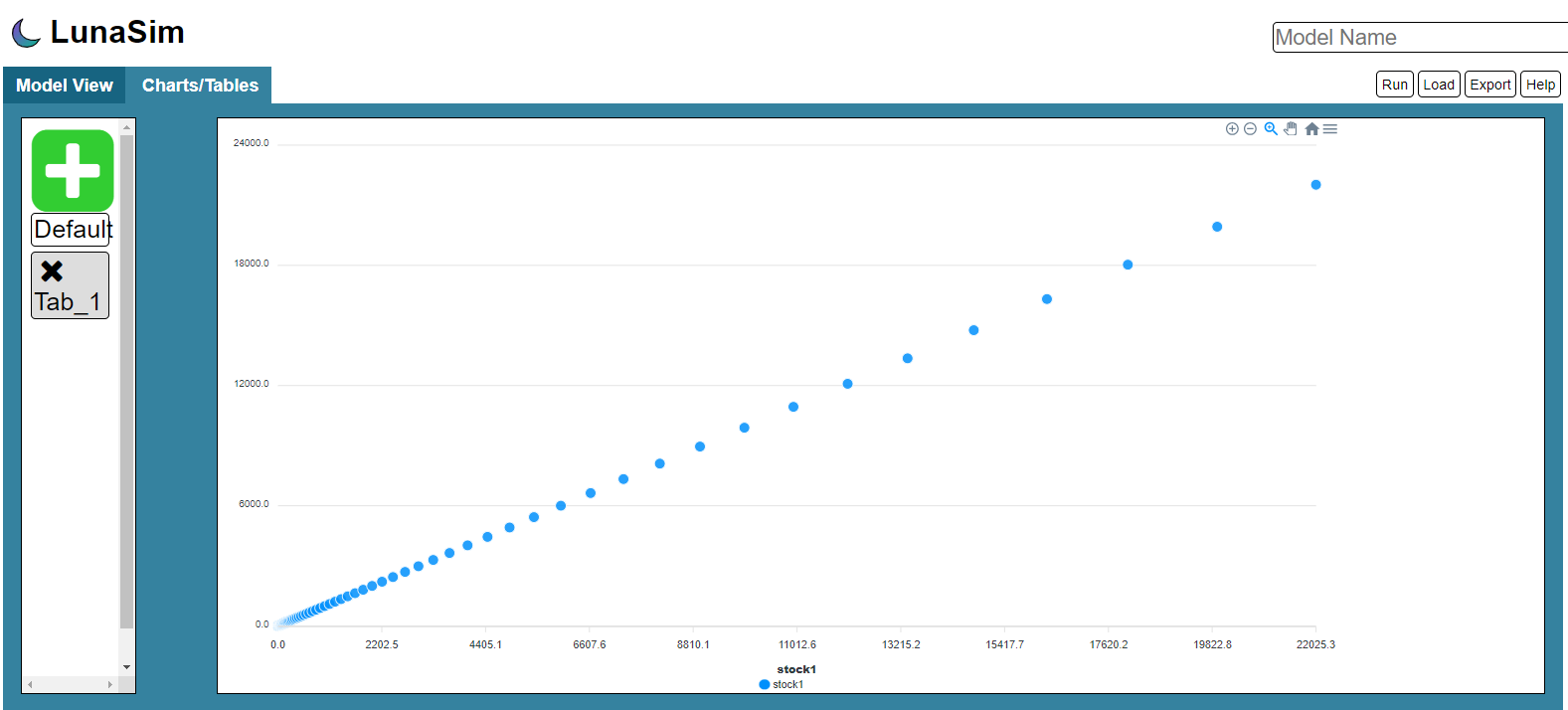
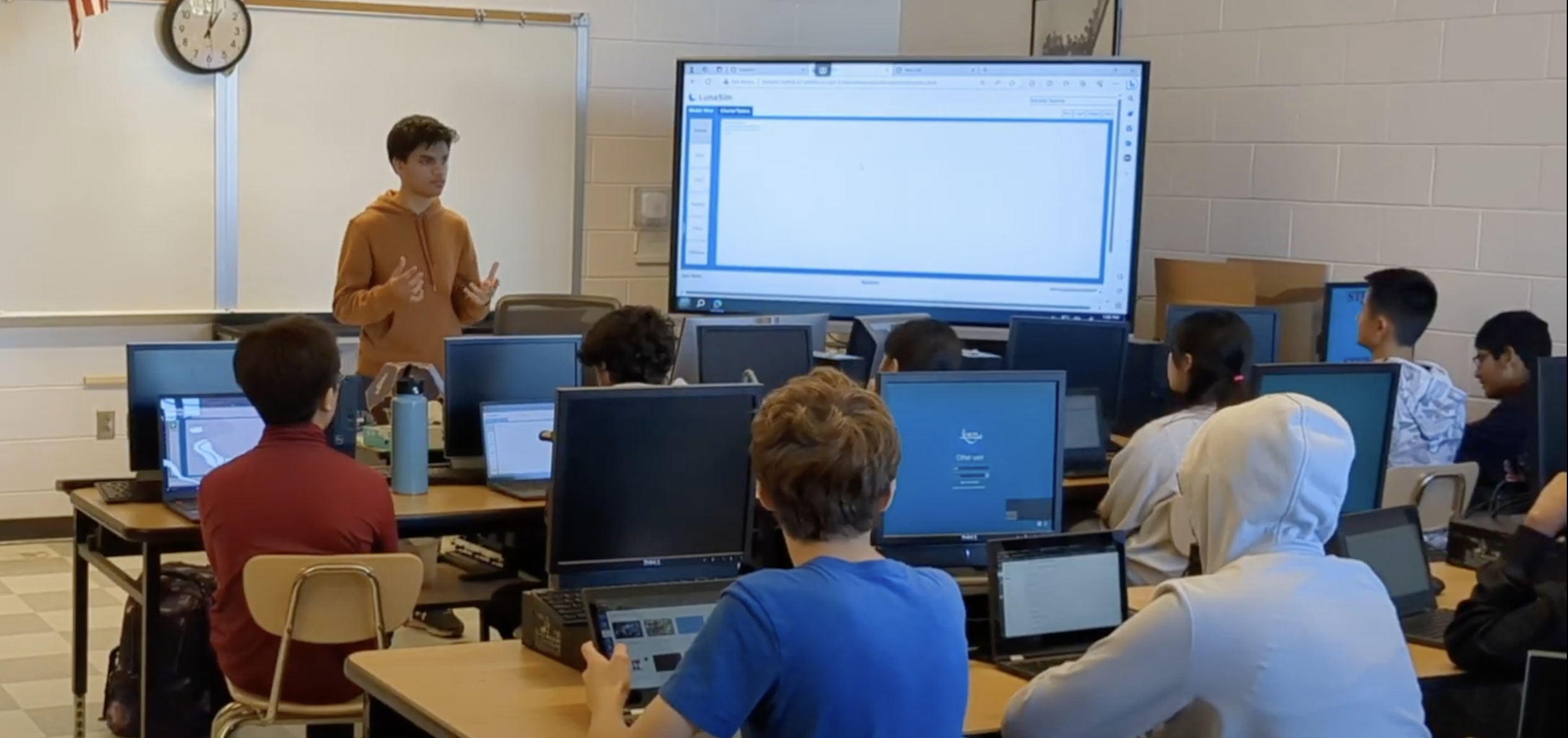
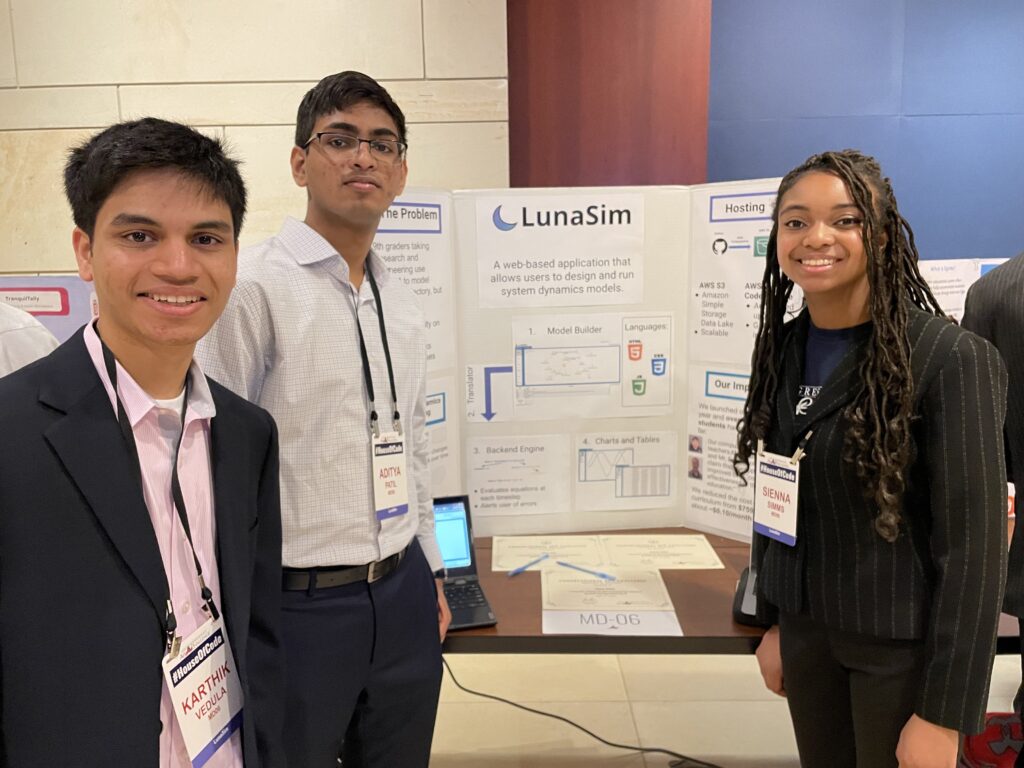

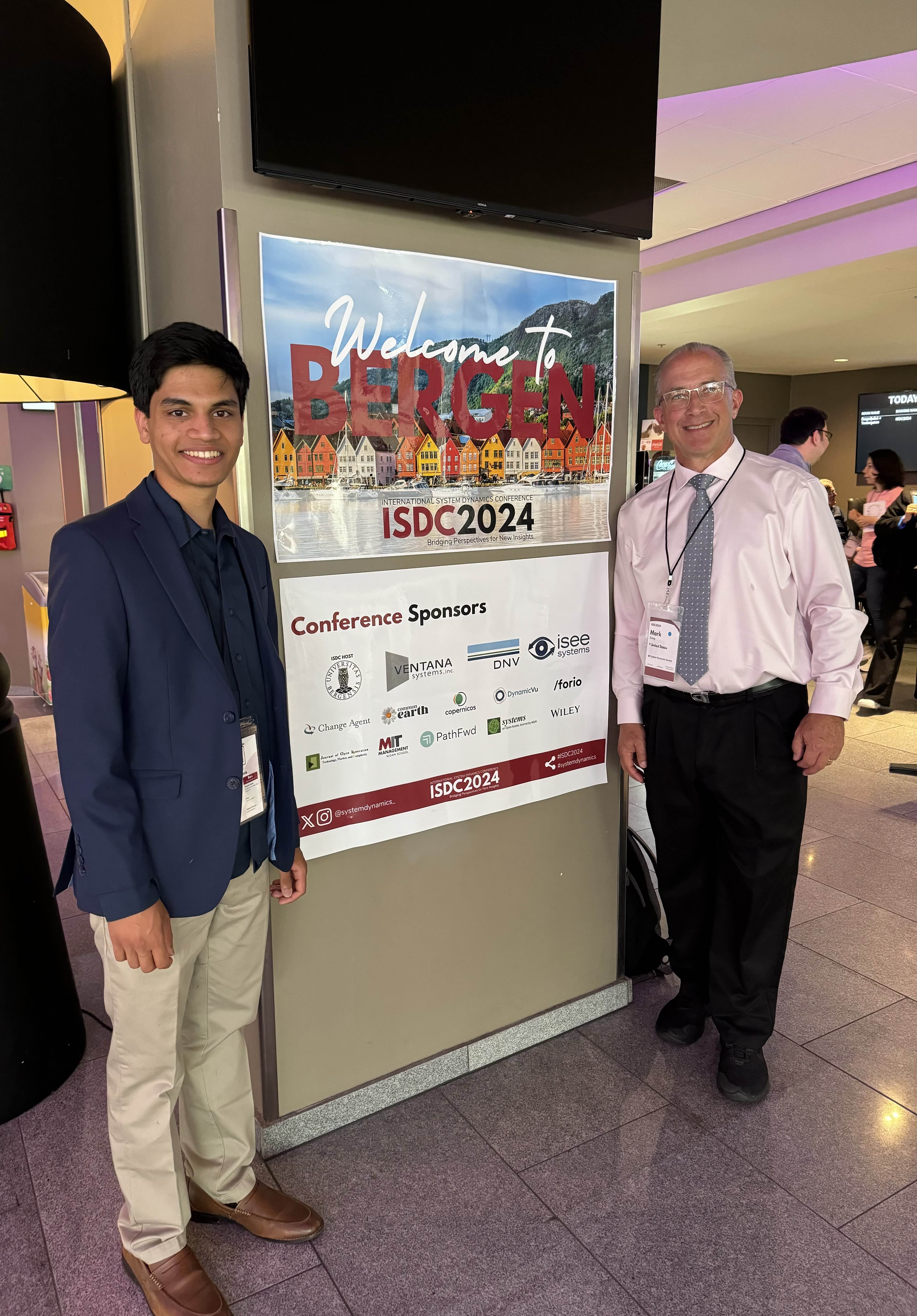
References & Recognition
Papers
Media
GitHub Repository
Recent Changelog:
v1.0: Added the ability for users to add their own text boxes to the model canvas.
v1.1: Added the ability for users to select between degrees and radians mode in simulation settings.
v1.2: Added negative and positive polarity for influences and emphasis for selected nodes, which can be toggled by pressing B on the keyboard.
v1.3: Added keybinds that can be modified within settings.
v2.0: Added new reservoirs under Experimental Features: conveyors, queues, and microwaves, plus a new link called the overflow.
v2.01: Added the ability to insert images within the model canvas.
v2.1: Added the ability to adjust model-element colors and change the sizes and colors of label text.
v2.1.1: Added the ability to reference [TIME] in the equation editor.
v2.2: Added PDF as an additional export option when saving a model.
v2.3: Added selectable units within the equation editor. Units are preserved when downloading or uploading a model and appear in charts and visuals.
v2.4: Added experimental Live API equations for weather conditions, the stock market, and economics.
v2.5: Added experimental Monte Carlo simulation support for uncertainty analysis across model parameters.
v2.5.1: Updated the user documentation with all experimental features and added easier Live API references within the equation editor.